This guide documents a practical setup on an Apple Silicon Mac: running Ubuntu in UTM and deploying the OpenClaw AI Agent. It focuses on three high-impact areas:
- Choosing the right UTM network mode for stable connectivity
- Diagnosing OpenClaw service crashes quickly
- Enabling reliable Mac ←> Ubuntu access
What You Will Be Able to Do
- Run Ubuntu stably on Apple Silicon Mac with UTM
- Find root causes when service status is
activating (auto-restart) - Use OpenClaw from Mac browser and access Mac files from Ubuntu
flowchart LR
  subgraph Main[" "]
    direction LR
    A["UTM Setup<br/>SSD + Shared Network"]
    B["Ubuntu Prep<br/>Chromium + Node.js"]
    C["OpenClaw Deploy<br/>Start and Verify"]
    E["Login Antigravity<br/>SSH Tunnel + WebDAV"]
    A --> B --> C --> E
  end

  N1["MacBook SSH<br/>to Ubuntu"]
  N2["Telegram<br/>Channels Start"]
  B --> N1
  E --> N2

  classDef main fill:#1f2329,stroke:#d1d5db,stroke-width:1.5px,color:#f9fafb,font-size:16px;
  classDef note stroke:#e53935,stroke-width:2px;
  class A,B,C,E main;
  class N1,N2 note;
1. UTM Basics: Storage and Network
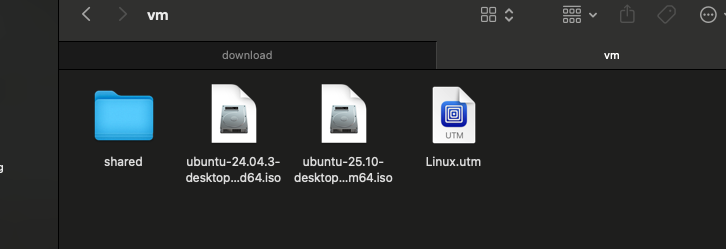
1.1 Save Local Space with External SSD
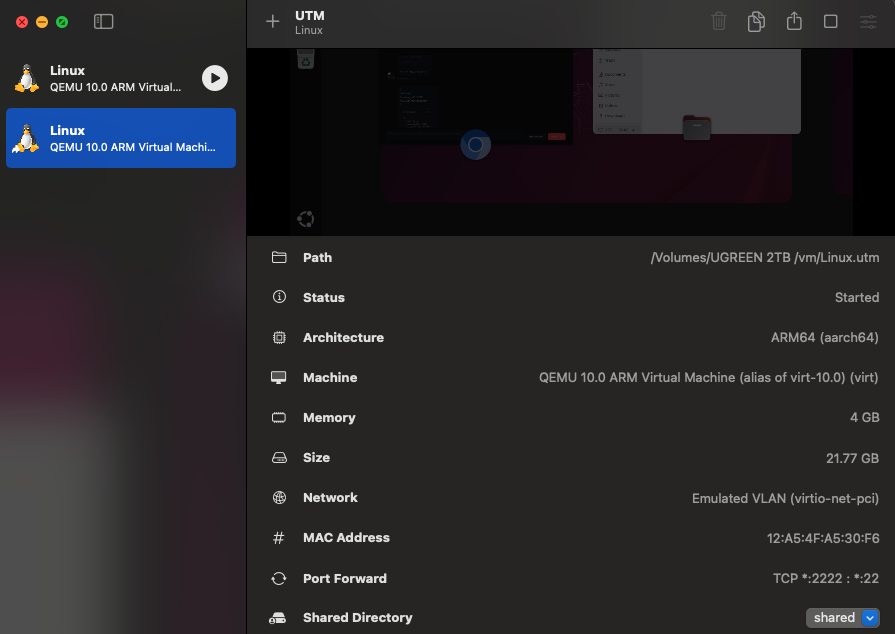 A UTM virtual machine is essentially a single
 .utm bundle, so you can move it directly.
# Workflow (conceptual)
# 1) Move <vm-name>.utm to external SSD
# 2) Re-open that .utm in UTM- Use SSD, not HDD
- HDD latency is high and causes noticeable lag in Ubuntu and dev tools
1.2 Use Shared Network Mode (Critical)
Avoid choosing Bridged as default. In cafes, campus networks, and managed office networks, Bridged mode is often unstable or restricted.
Shared Network (Recommended)
- Higher stability across varied network environments
- Port forwarding solves most access needs
- Mac may not
pingVM directly
Bridged (Common Pitfalls)
- Looks direct, but depends on external network policy
- Frequently fails on restricted networks
- Troubleshooting cost is higher
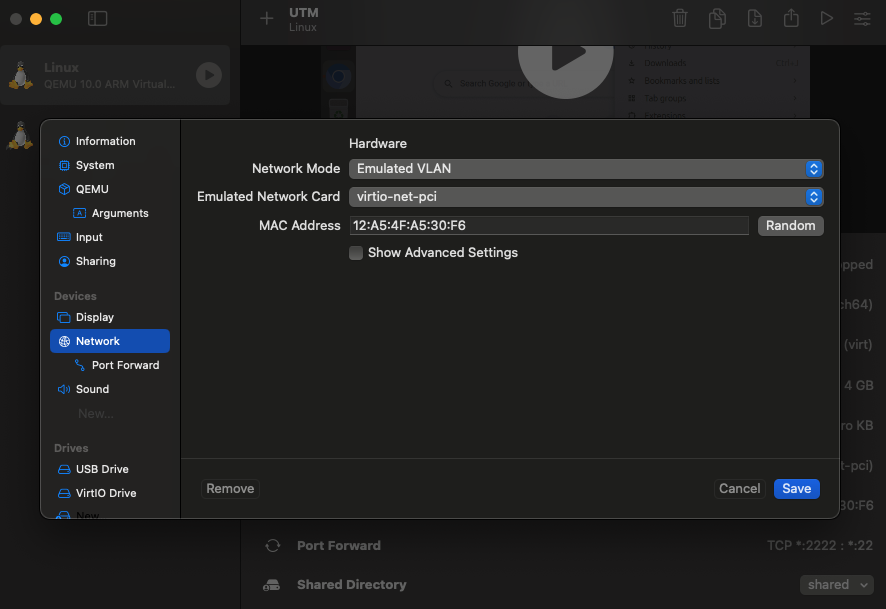
Setting path:
UTM Settings -> Network -> Mode -> Shared Network (Emulated VLAN)
2. Ubuntu Environment Setup
2.1 No Official Chrome for Linux ARM64
Symptoms:
- No official Chrome package is available
- Chromium works, but Google sync support is limited
Practical options:
- Use Chromium and import bookmarks manually
- Or switch to Firefox
2.2 Install Node.js 22 with nvm
nvm install 22If you see command not found, reload your shell config:
source ~/.bashrc3. OpenClaw Deployment and Troubleshooting
3.1 Service Restart Loop: activating (auto-restart)
Symptoms:
- Web UI is unreachable
systemctl statusshowsactivating (auto-restart)
Common causes:
- Missing or invalid configuration
- Port conflicts
- Token/mode mismatch
Stop the background service first, then run in foreground to see the real error:
systemctl --user stop openclaw-gateway
openclaw gateway --port 18789
Verification points:
- Check foreground logs for messages like
Missing configorAddress already in use - Confirm the error maps directly to config or port issues
3.2 Config Corruption: Full Reset Is Faster
If token/model/mode state is uncertain, a full reset is usually faster than guessing.
# Remove old config
rm -rf ~/.openclaw

# Re-initialize
openclaw setup
After setup, optionally set values explicitly:
# Use Google Gemini Flash (fast and cost-effective)
openclaw config set agent.model google/gemini-1.5-flash

# Set fixed token
openclaw config set gateway.auth.token 123456

# Set local mode
openclaw config set gateway.mode local
Prevention:
- Record
model / token / mode / portafter each change - Validate after each single change instead of changing everything at once
4. Mac ←> Ubuntu Connectivity
Under Shared Network mode, use two separate paths:
Mac -> Ubuntu OpenClaw: SSH tunnelUbuntu -> Mac files: WebDAV
4.1 Access OpenClaw from Mac via SSH Tunnel
Run this in Mac terminal (not in Ubuntu):
# Format:
# ssh -p [UTM_port] -L [Mac_port]:127.0.0.1:[Ubuntu_port] user@localhost
ssh -p 2222 -L 18789:127.0.0.1:18789 youname@localhost
Verify:
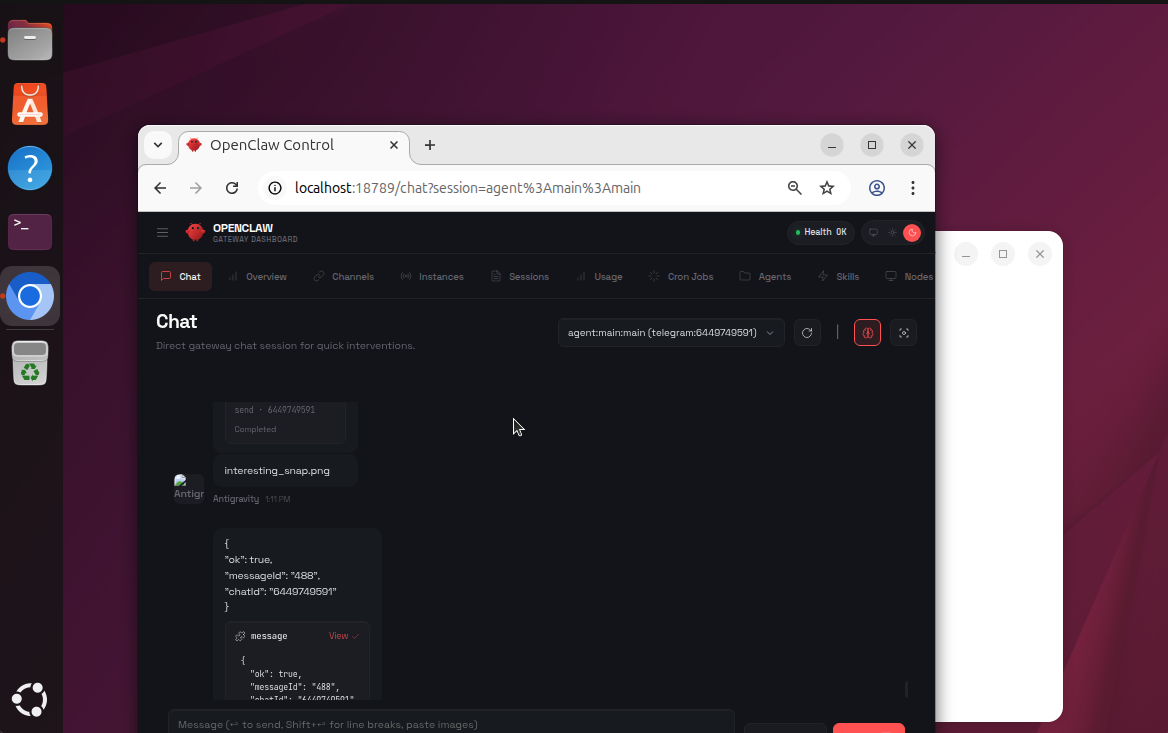
- Open
http://localhost:18789in Mac browser - Confirm OpenClaw UI loads and works
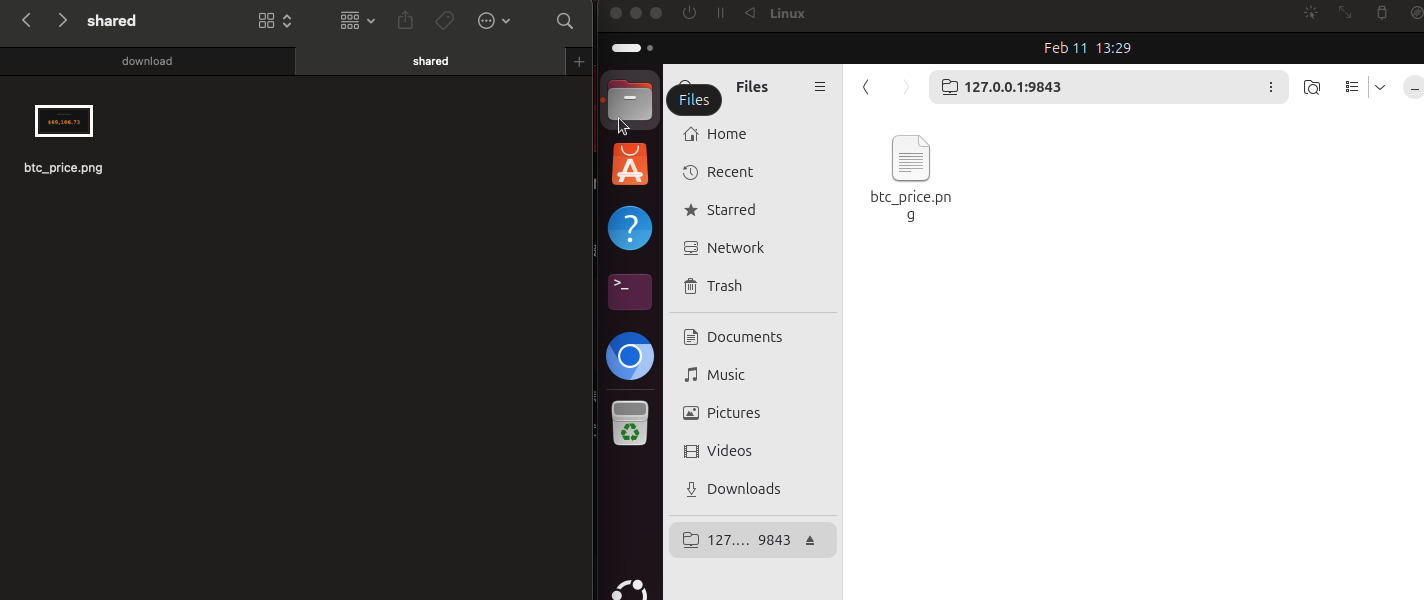
4.2 Access Mac Files from Ubuntu via WebDAV
Install and restart service inside Ubuntu:
sudo apt update && sudo apt install spice-webdavd -y
sudo systemctl restart spice-webdavd
Mount steps:
- Open Ubuntu
Files - Go to
+ Other Locations - In
Connect to Server, enterdav://127.0.0.1:9843 - Click
Connect
5. Quick Checklist
- UTM network mode is
Shared Network (Emulated VLAN) - OpenClaw starts successfully in foreground
- Token / model / mode / port are consistent
- SSH tunnel allows Mac access to
http://localhost:18789 - Ubuntu can access shared files via WebDAV
6. Conclusion
The key to this stack is not installation commands, but architecture and troubleshooting order:
- Stabilize networking first (Shared Network + port forwarding/tunnel)
- Debug in foreground first (do not rely only on systemd auto-restart logs)
- Reset when config state is unclear (faster than blind patching)
Following this flow gives a stable day-to-day setup for UTM + Ubuntu + OpenClaw on Apple Silicon Mac.